¶ Changing Aures ODP 333 POS Printer Roll
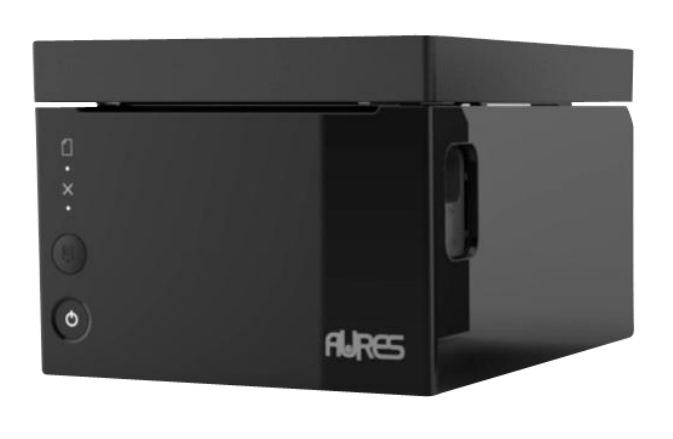
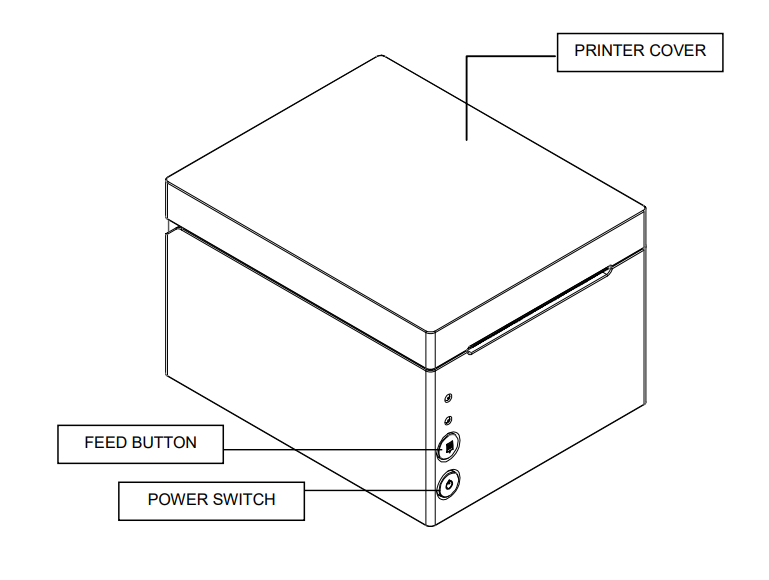
- Thermal Printer Rolls - This device uses Thermal Printer Rolls. The rolls are smooth and shiny not rough like paper, THERMAL is used to write on the paper.
1: Open the top cover by pushing down the cover-open button.
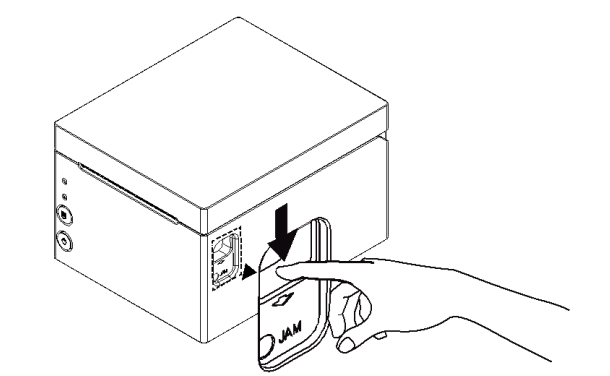
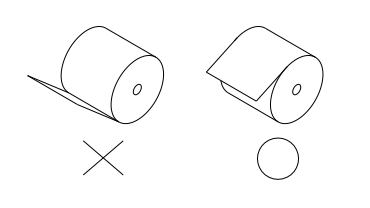
3: Remove the used paper roll core if there is one inside.4: Insert new paper roll as shown
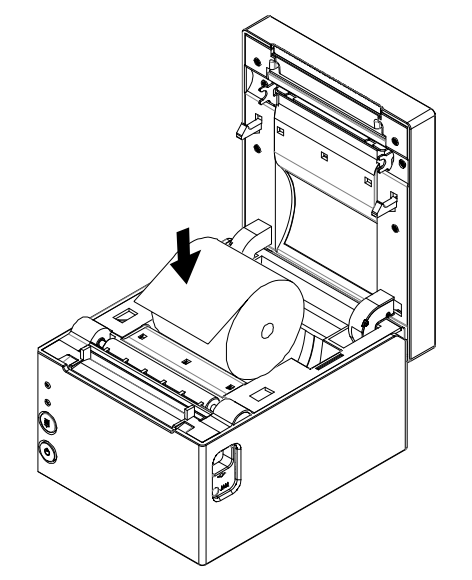
5: The paper should be coming from the top not the bottom of the roll when being inserted.
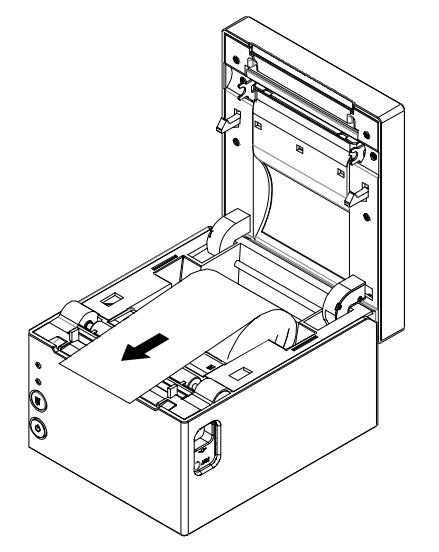
6: Pull out a small portion of paper, as shown. Then, close the cover.
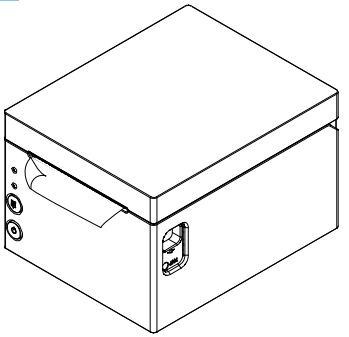
6: Tear off the paper as shown.
¶ Changing EPSOM TM-U220 KITCHEN Printer Roll
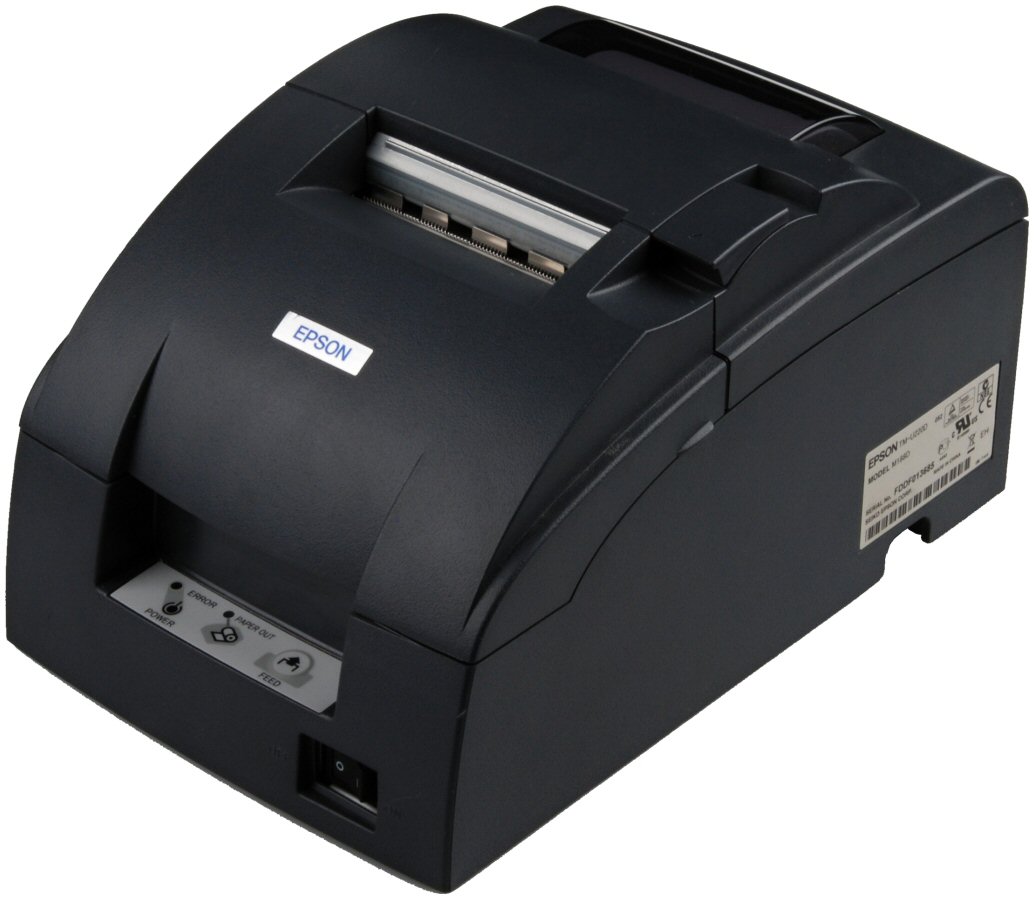

- 1 - Roll paper cover
- 2 - Ribbon cassette cover
- 3 - Feed Button
- 4 - Power supply switch
- Kitchen Printer Rolls - This device uses Kitchen Printer Rolls. The rolls are rough like paper not smooth, INK is used to write on the paper.
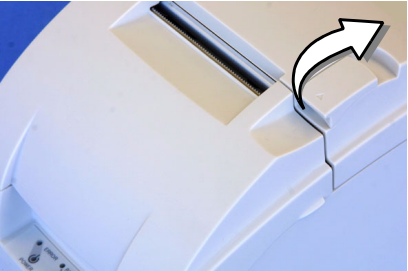
1: Turn off the printer and open the roll paper cover by using the tab1.1: Only Open the unit by using the unit open lever, as shown in illustration
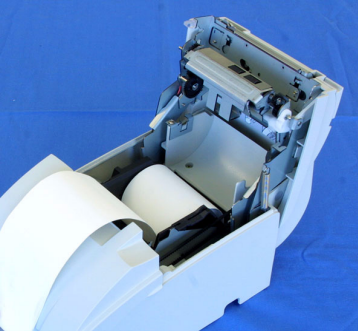
2: Insert the roll paper, as shown in illustration
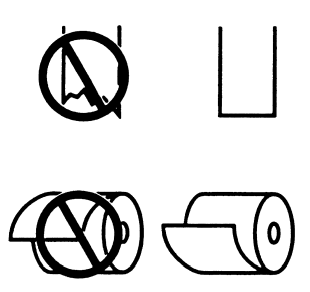
3: Note the direction the paper comes off the roll, as shown in the illustration
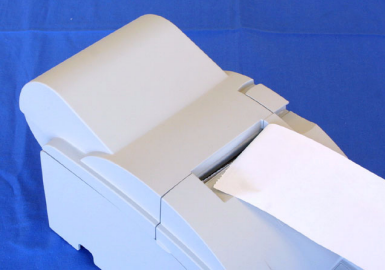
3: Pull out a small amount of roll paper and close the roll paper cover; then tear off the paper with the manual cutter.4: Turn the printer back on and press the Feed button to test the printer.