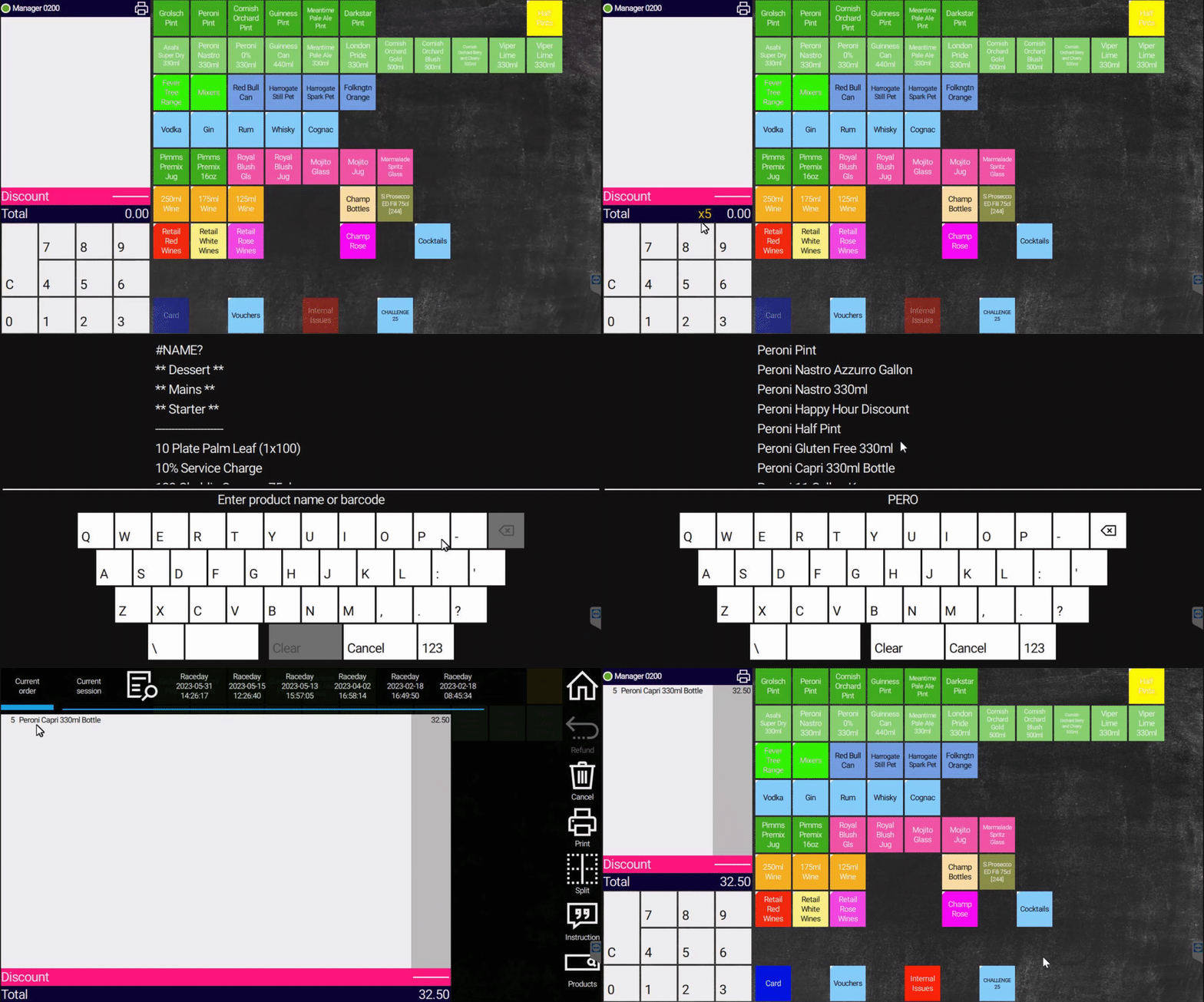
¶ How to Search for a Product
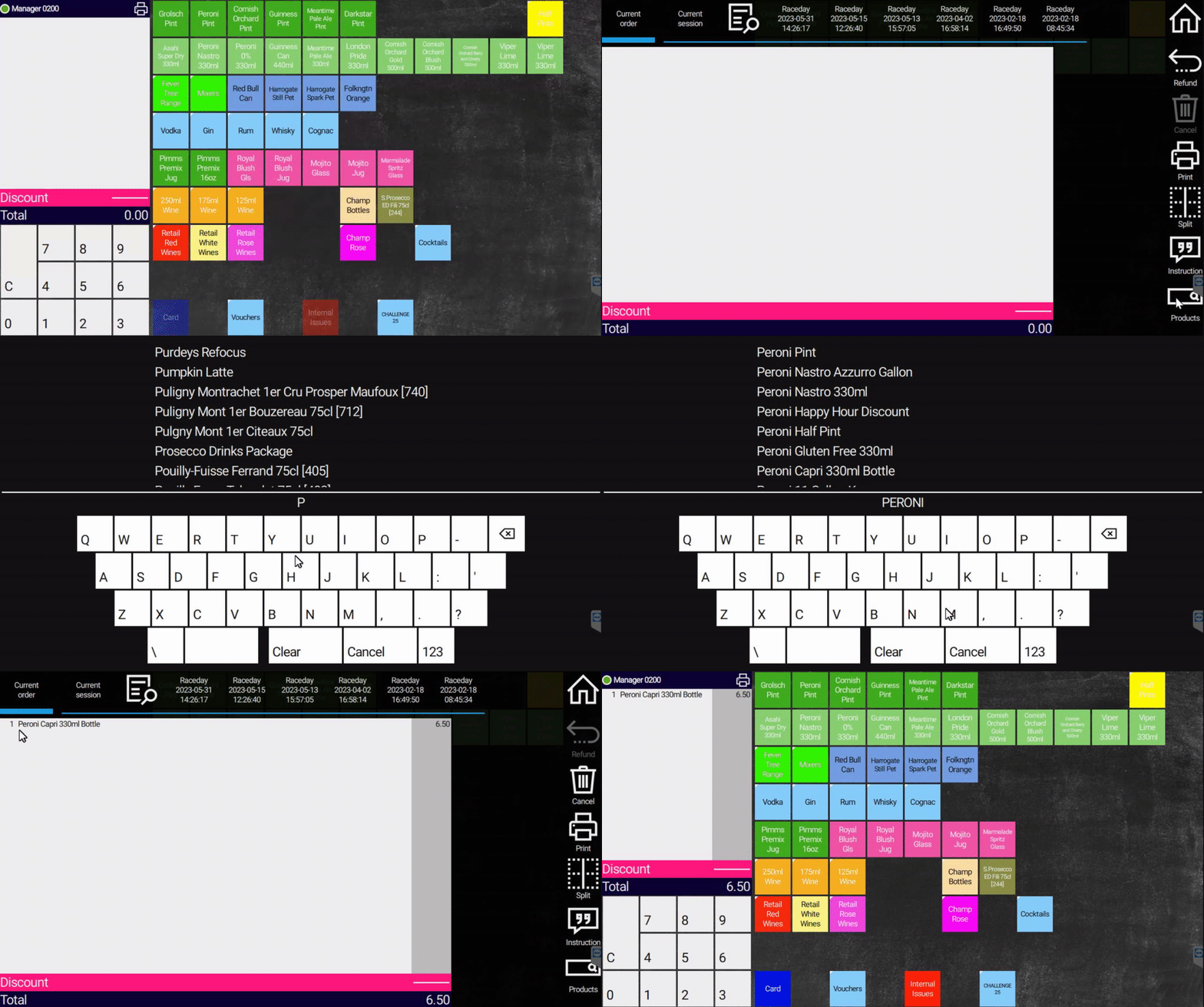
¶ Search Function
If you are missing a product from your till layout, Contact EPOS Support on Chanel 10.
We will add it to the till layout.This is a quick fix when required
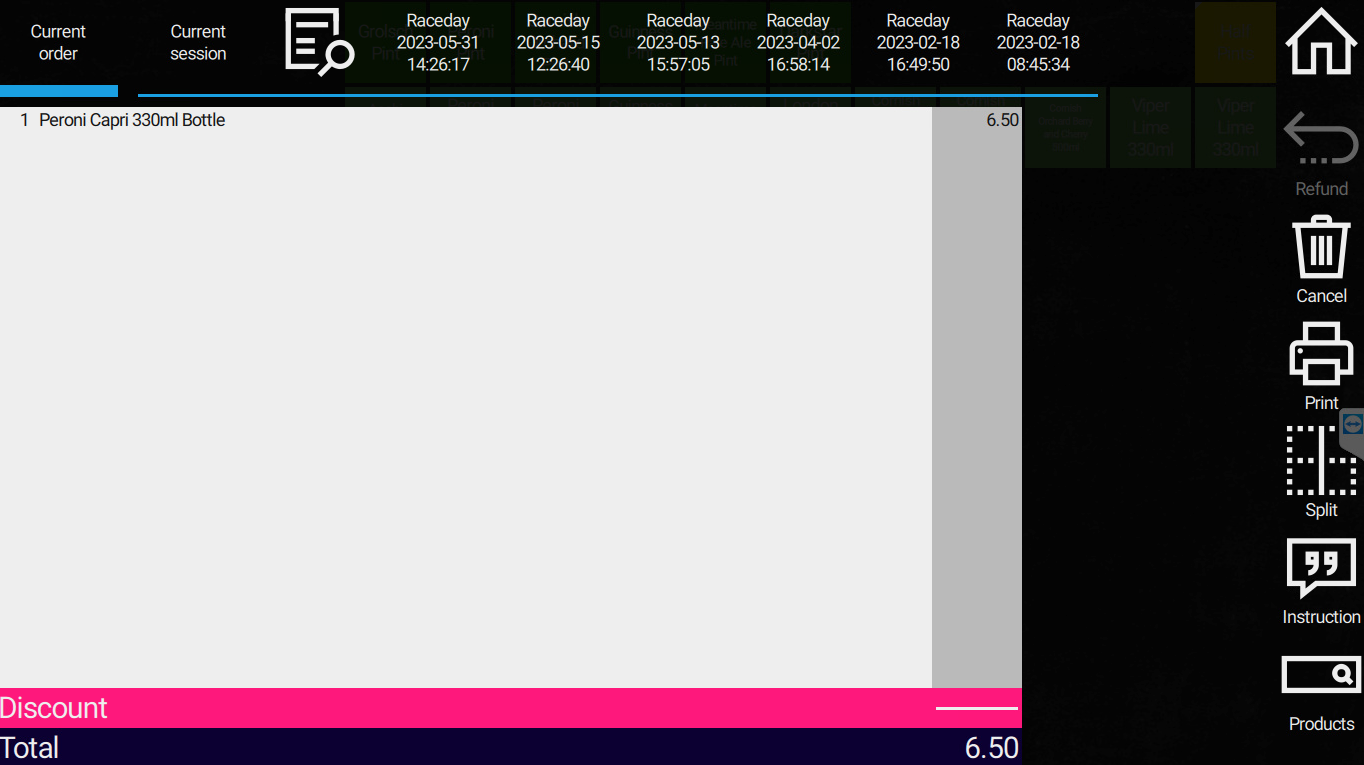
Use the basket search function to find any product in our database.
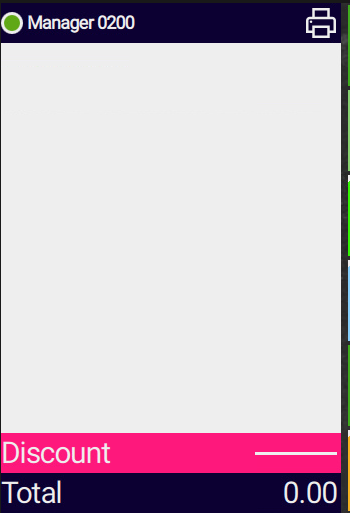
1: Select the white basket box on the left
2: Select the Products function on the bottom right of the screen

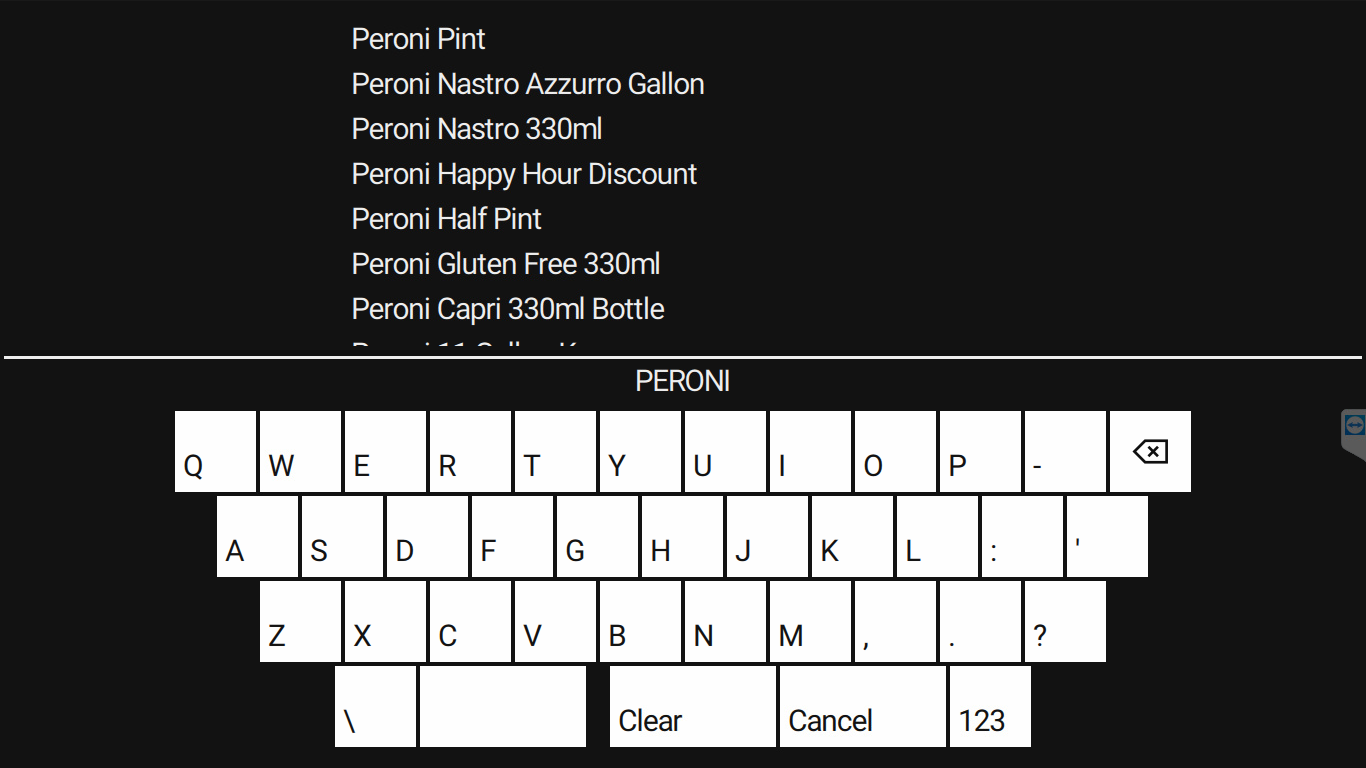
3: Type the product name into the Keyboard and select the required product
4: Once selected it will add the product to the basket
¶ Search Function - Add multiple quantities of a product at once