¶ How to change the Sales Layout

¶ Layout Function
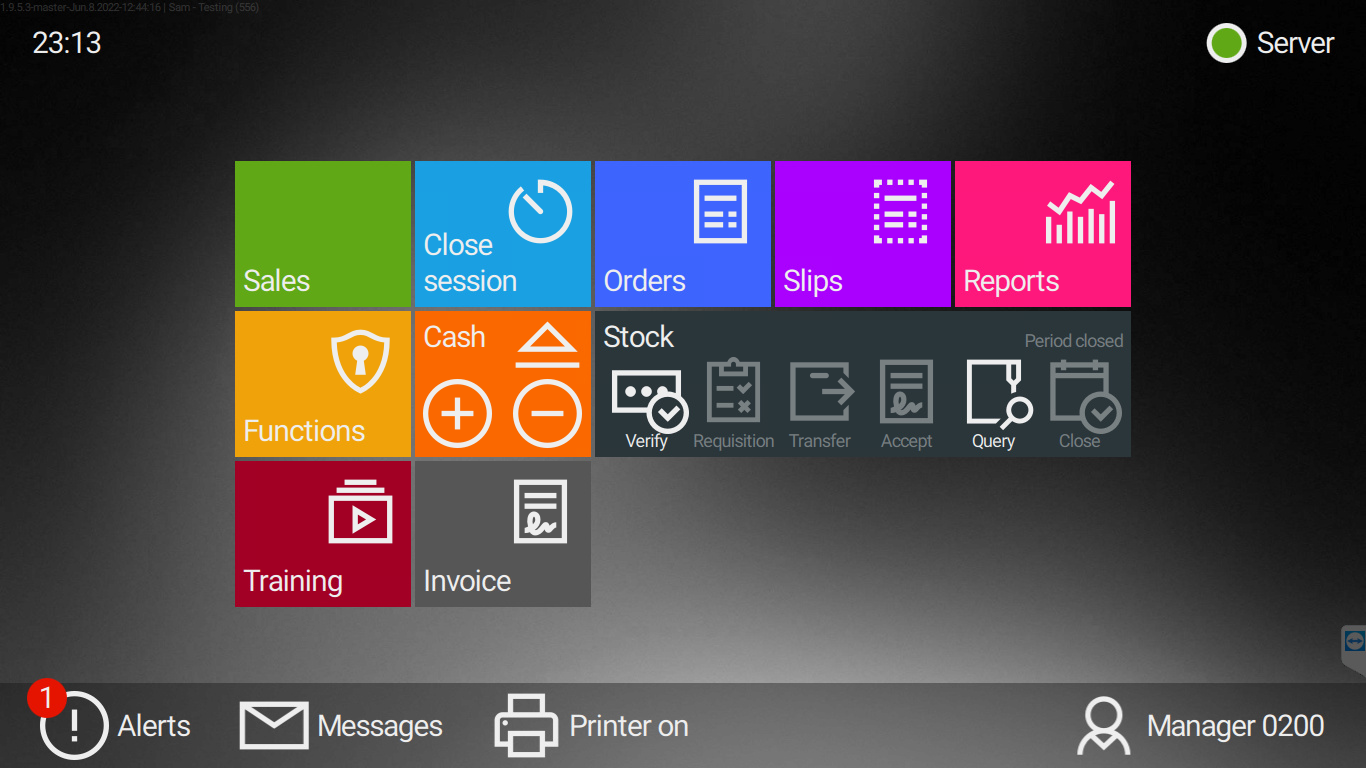
Change the layout by using the function tab on the home screen
1: Return to the Home Screen by selecting the strip above the basket.

2: Select Functions tab
3: Select Change Sales Layout3.1: Select the required layout and press Select

3.1: Return to the sales screen to display the selected layout