¶ Entering Closing Stock Counts on K-Stock
¶ Getting Ready
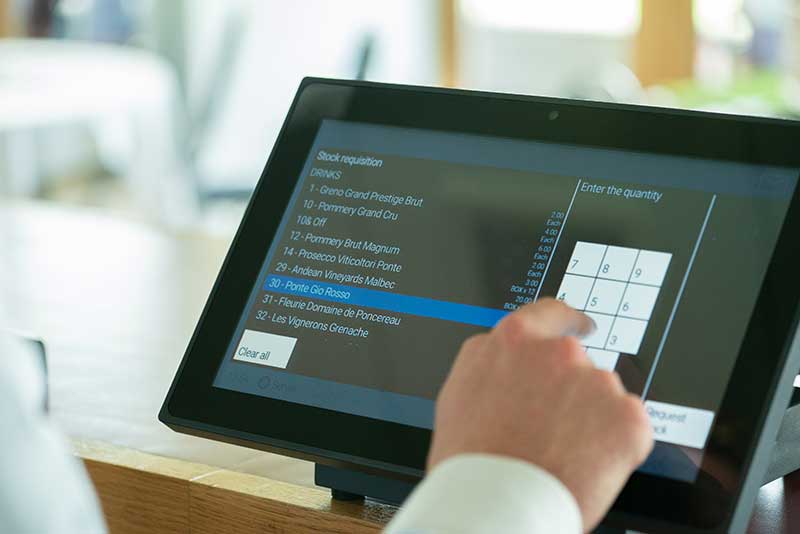
- Paper Stock Count Completed - Your closing stock count should be completed on the paper stock sheets first then transferred to K-Stock
- K-Stock Terminal - Locate the K-Stock Terminal, The 1st Terminal on the bar has it enabled. You may also have a Stock Tablet.
¶ Verify Closing Stock
1: Return to the Home Screen by selecting the strip above the basket.

2: Select Close under the Stock tab
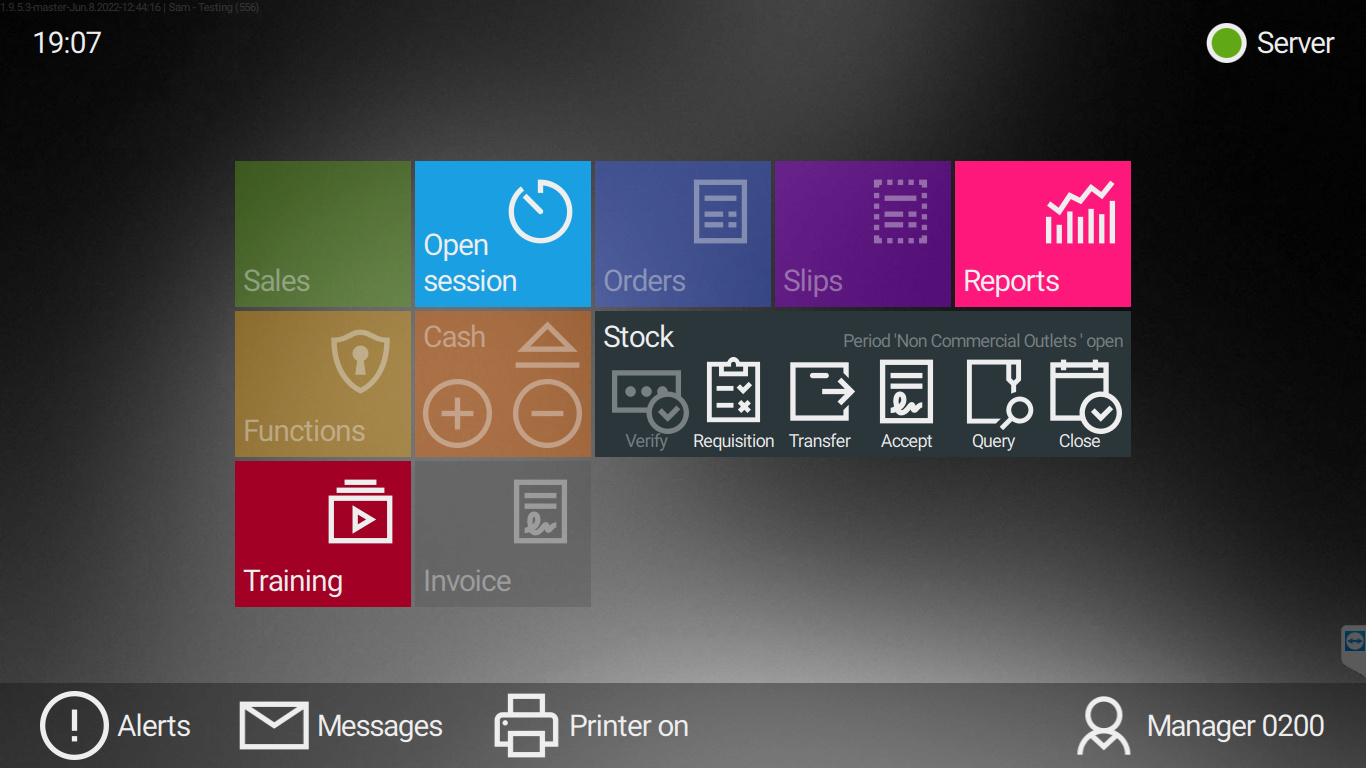
3: Only Products that have been transferred in via the system will display on your closing stock3.1: Products are broken down into their categories3.2: Scroll down on the page and select each product you have stock for. Key in the keypad the count and press the button
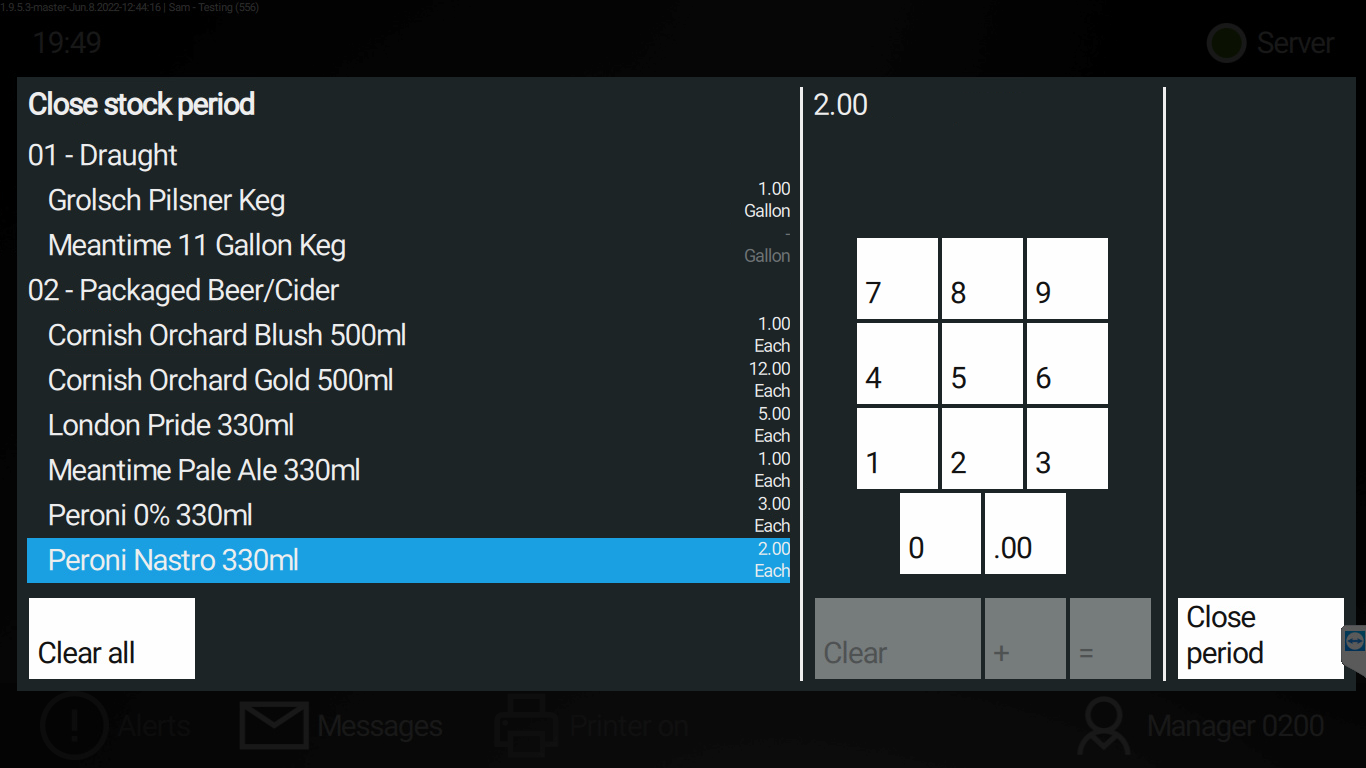
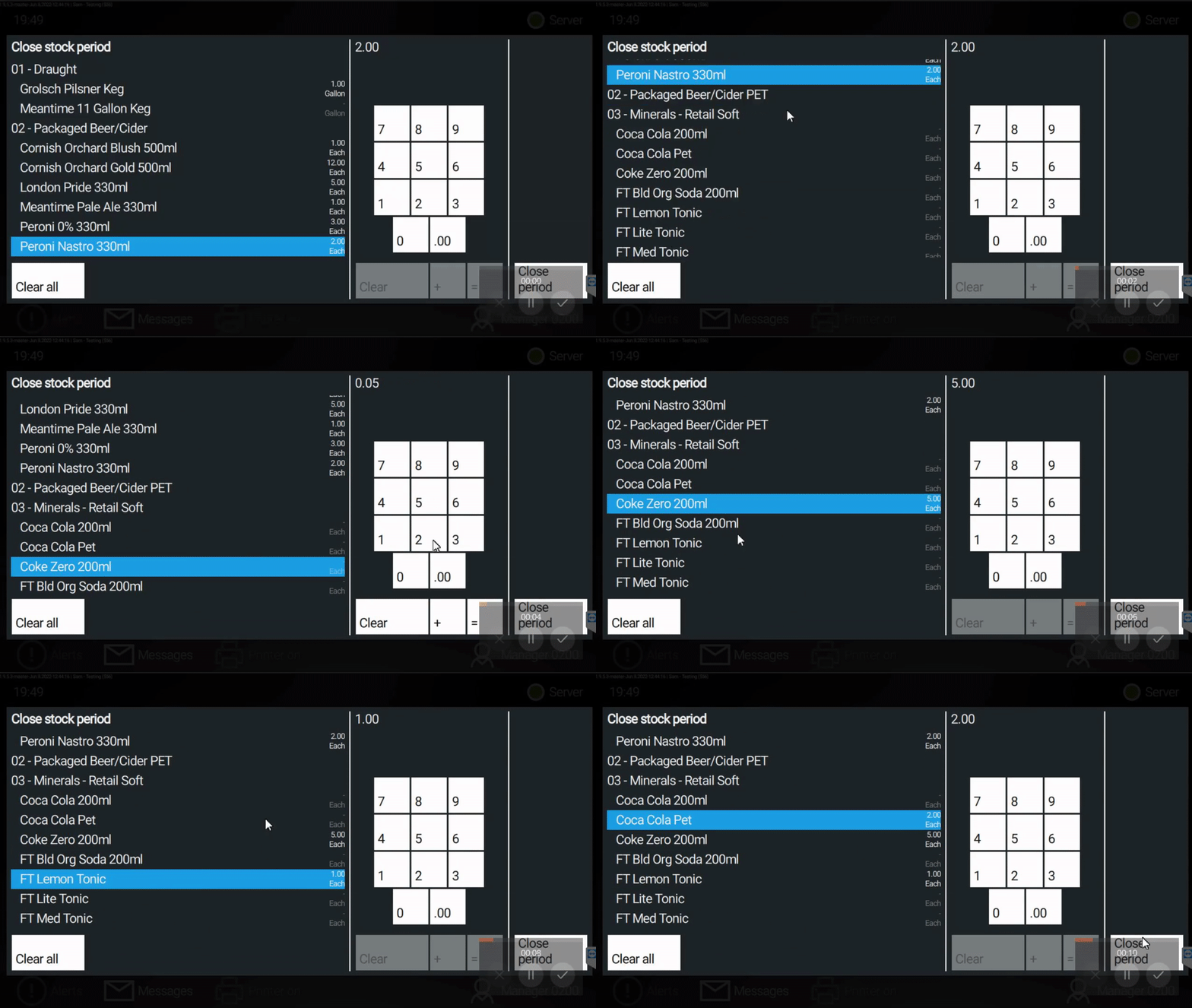
4: Once you have entered all your closing stock count press Close period and proceed with stock verify.4.1: The stock count will be sent to the main cellar for verification. You can see the pending notification on the stock tab.
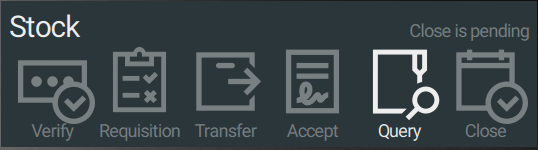
5: If the closing count has been denied, you will see the following notification and a message instructing you, what product's to re-count.
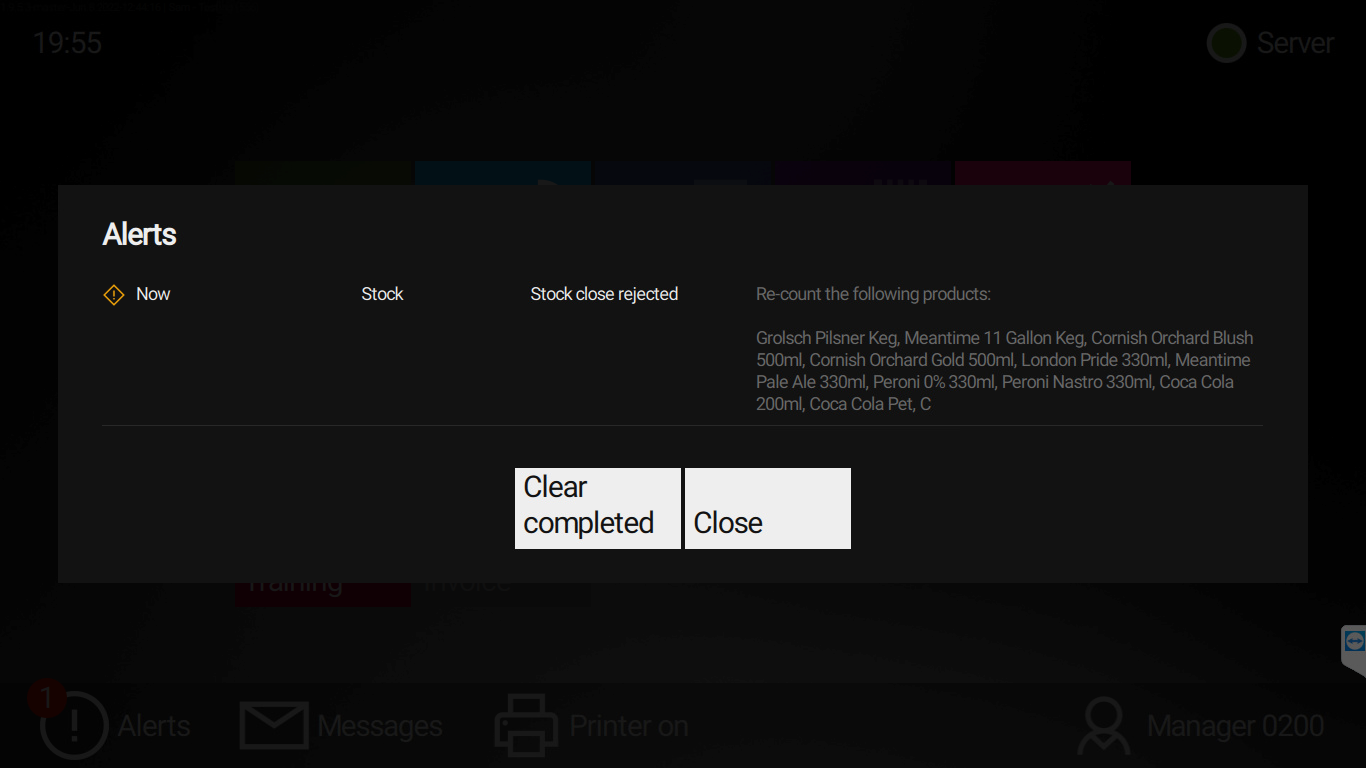
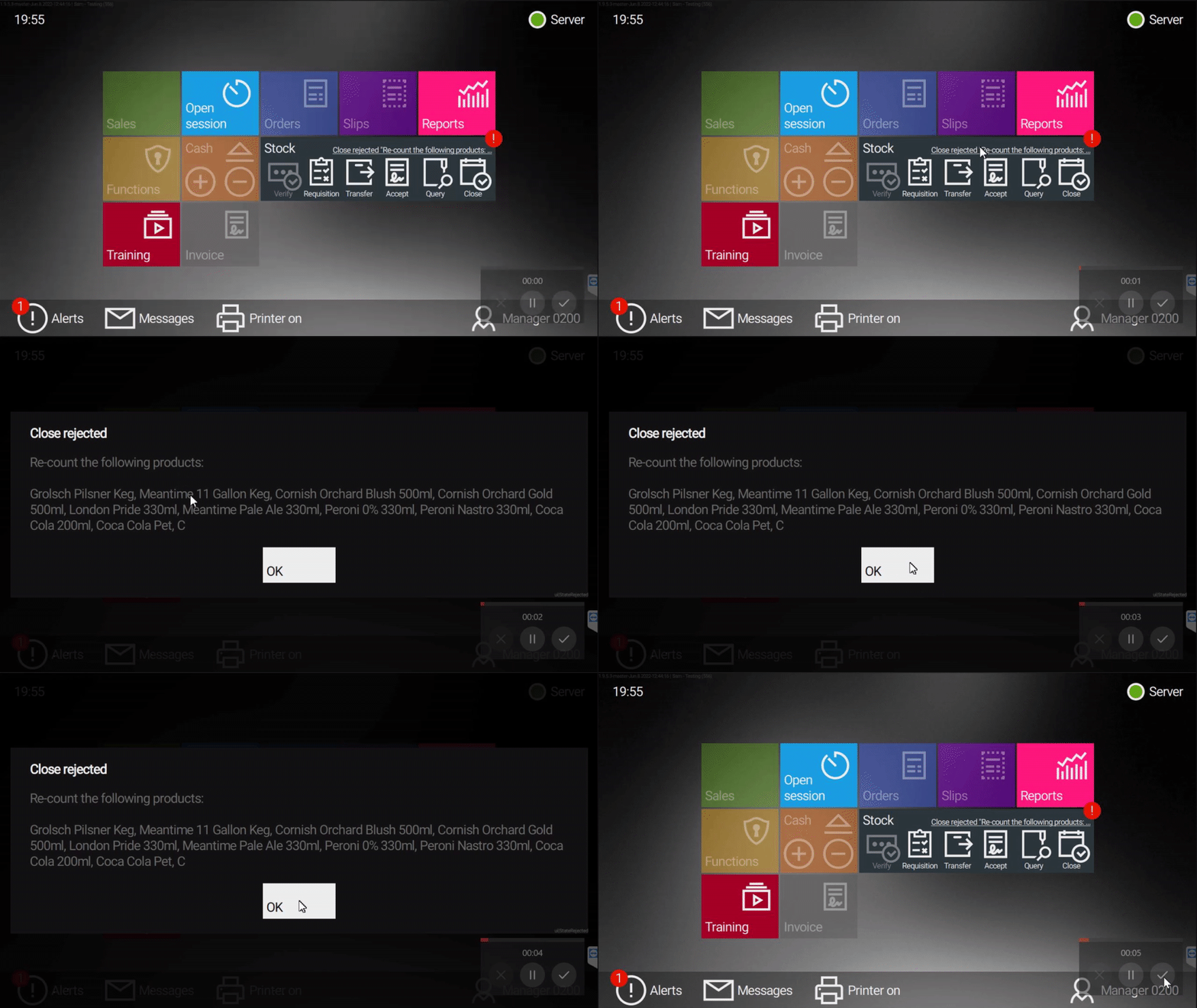
5.3: Re-Count the following products and enter the new count into the Verify section.
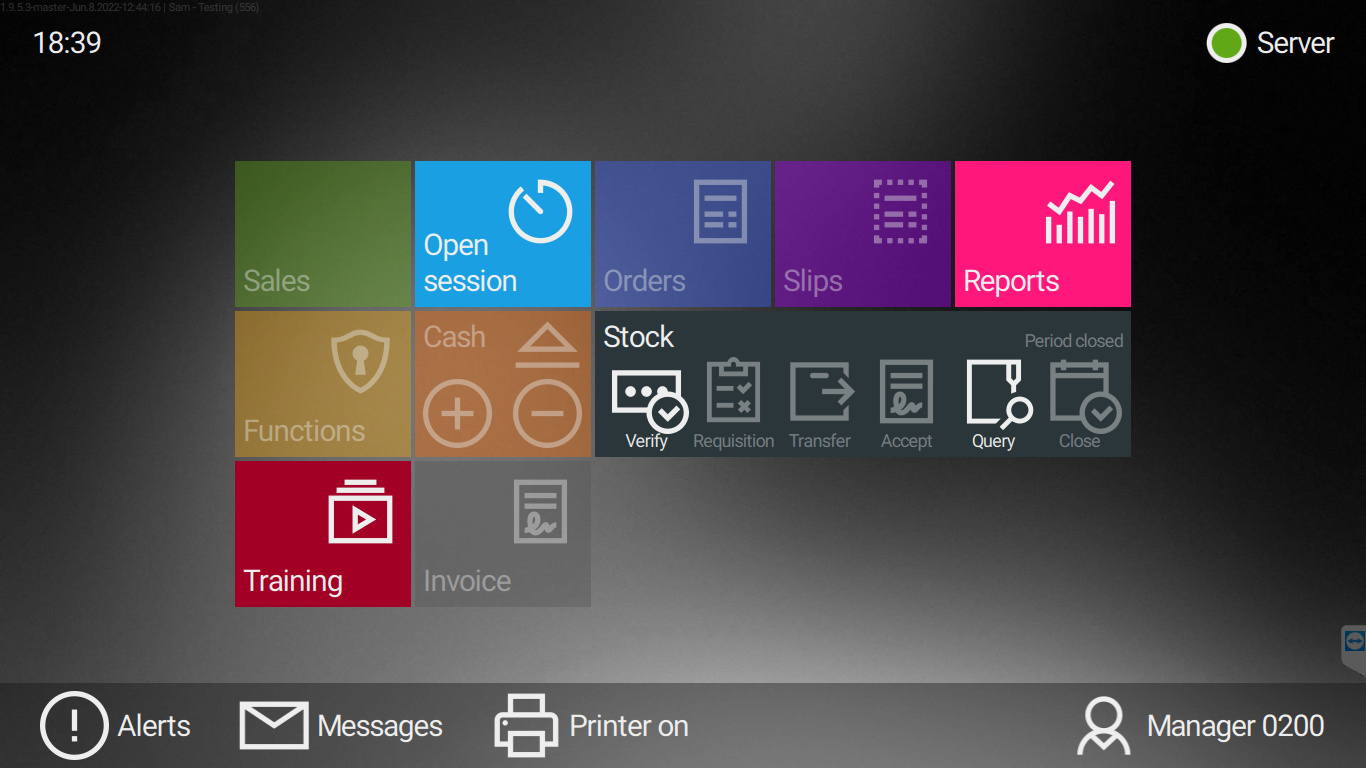
6: When the stock has been verified, the Verify function will become enabled and "Period Closed" will be displayed.