¶ Requisitioning Stock Items to your Unit
¶ Getting Ready
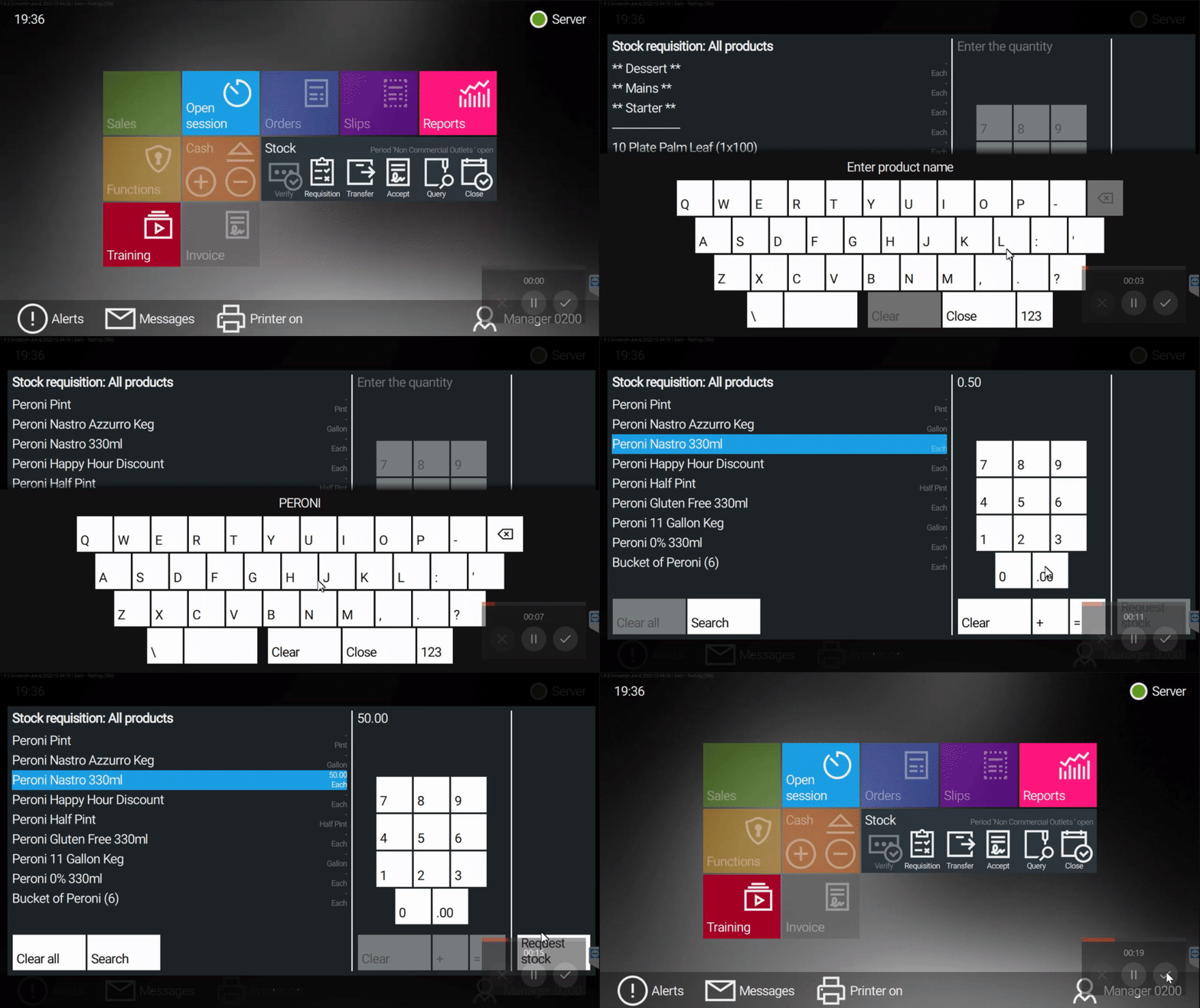
- Product Name - Have the correct product name
- Quantity Type - Know the quantity type for the product, Example : Gallons for KEGs / 70cl for Spirit Bottles
- BIN Number - Fine Wines & Champagnes can be searched via their BIN number
¶ Requisitioning Stock
1: Return to the Home Screen by selecting the strip above the basket.

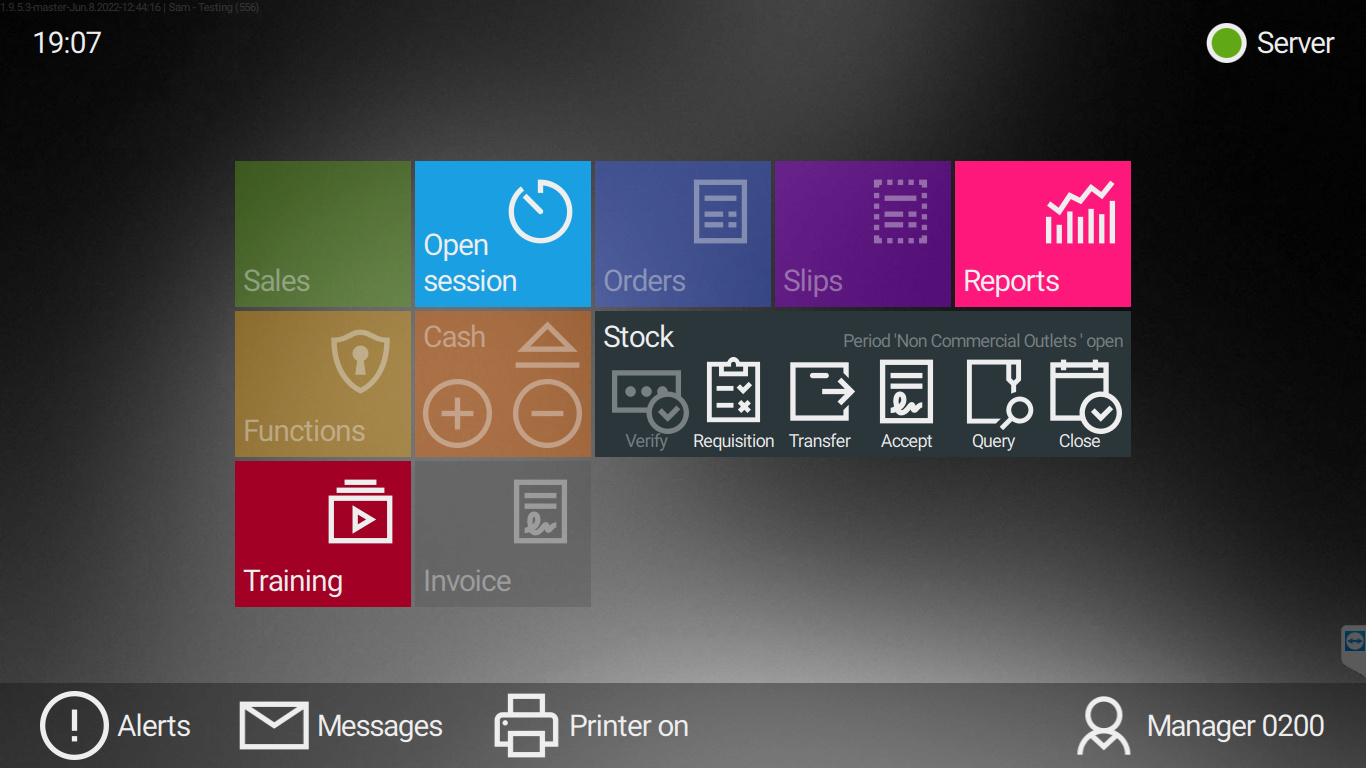
2: Select Requisition under the Stock tab
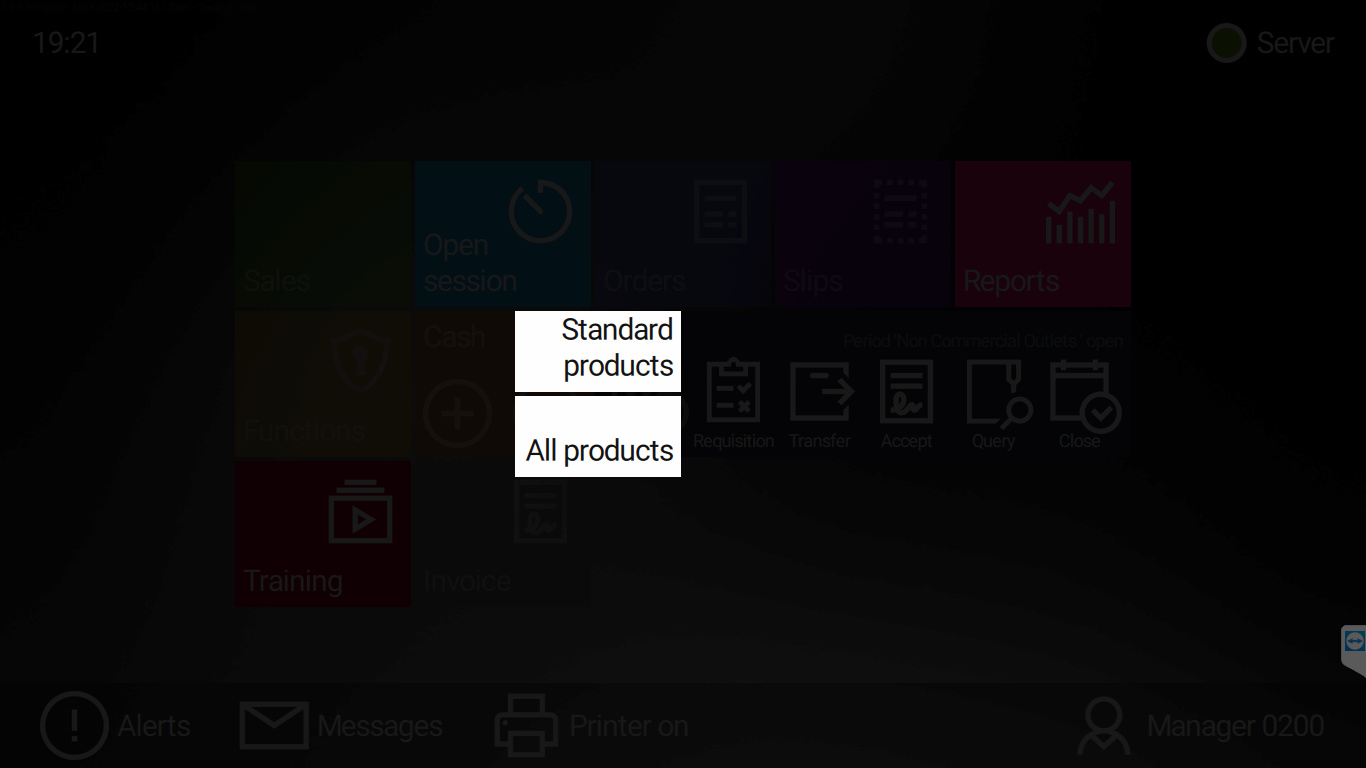
3: Select All products
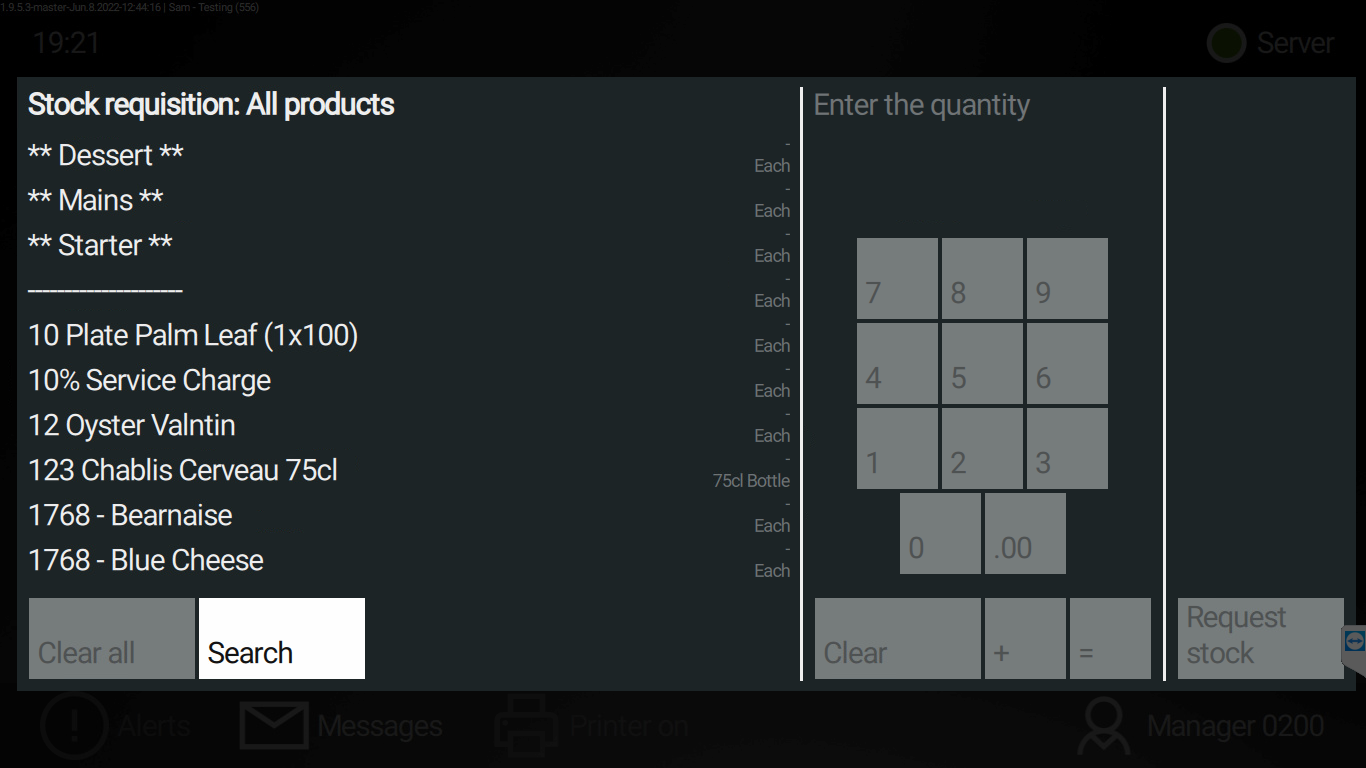
4: Select Search
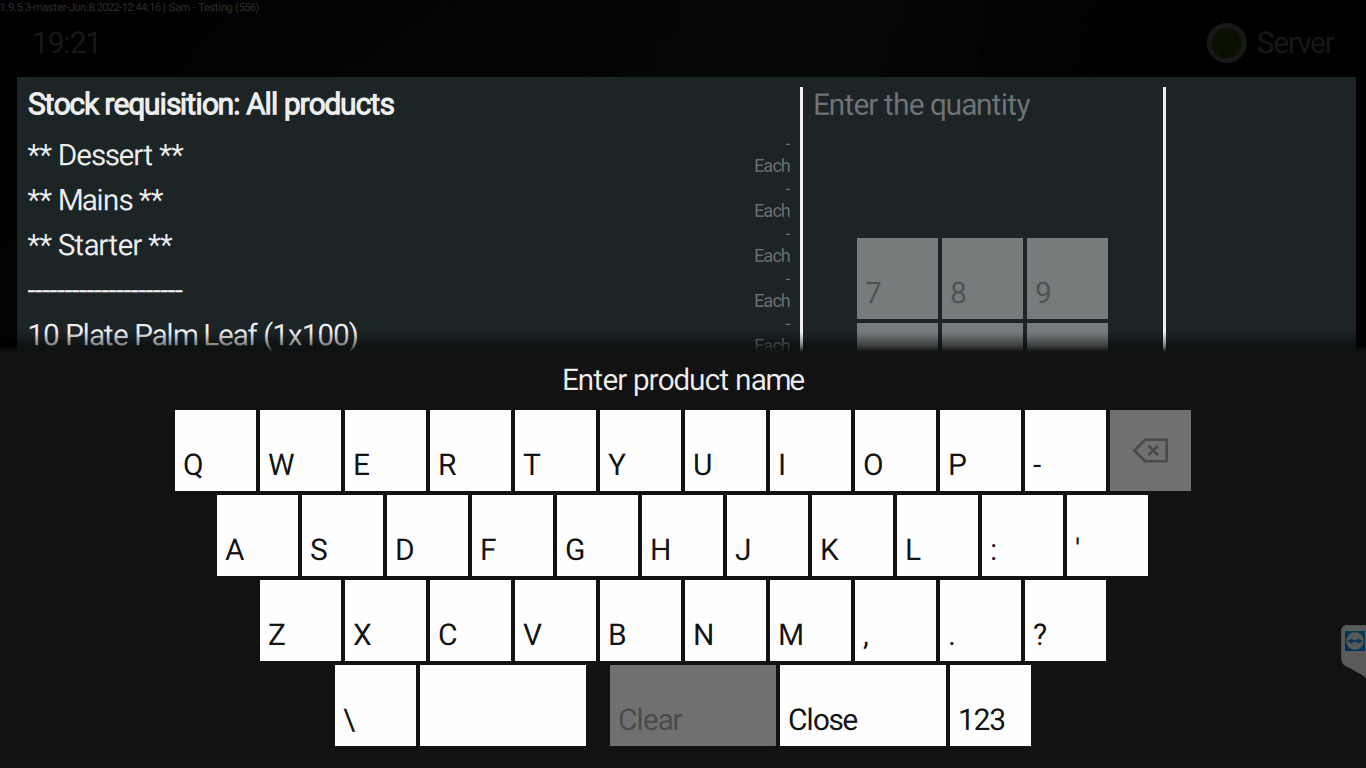
5: Type the Product name or BIN Number you are requisitioning
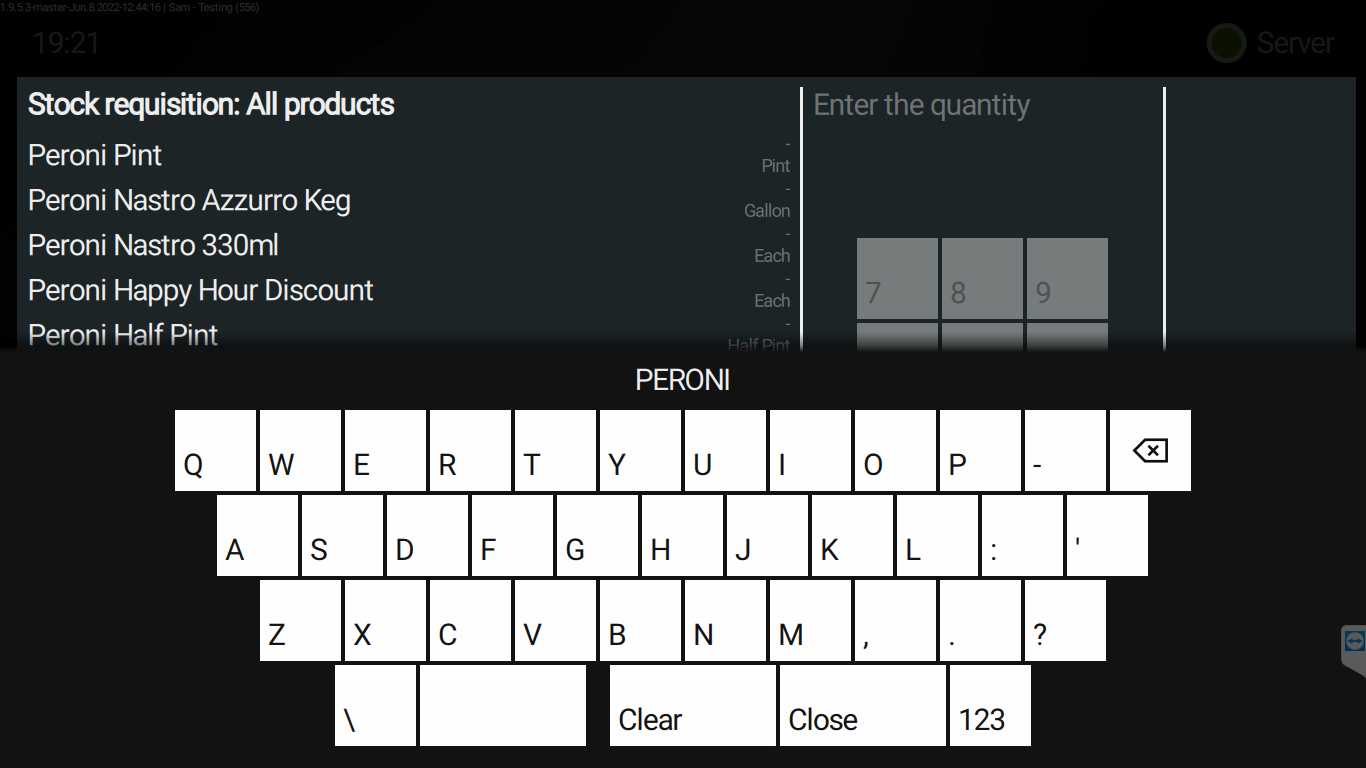
6: Select close on the keyboard and all the products with that search criteria will be displayed
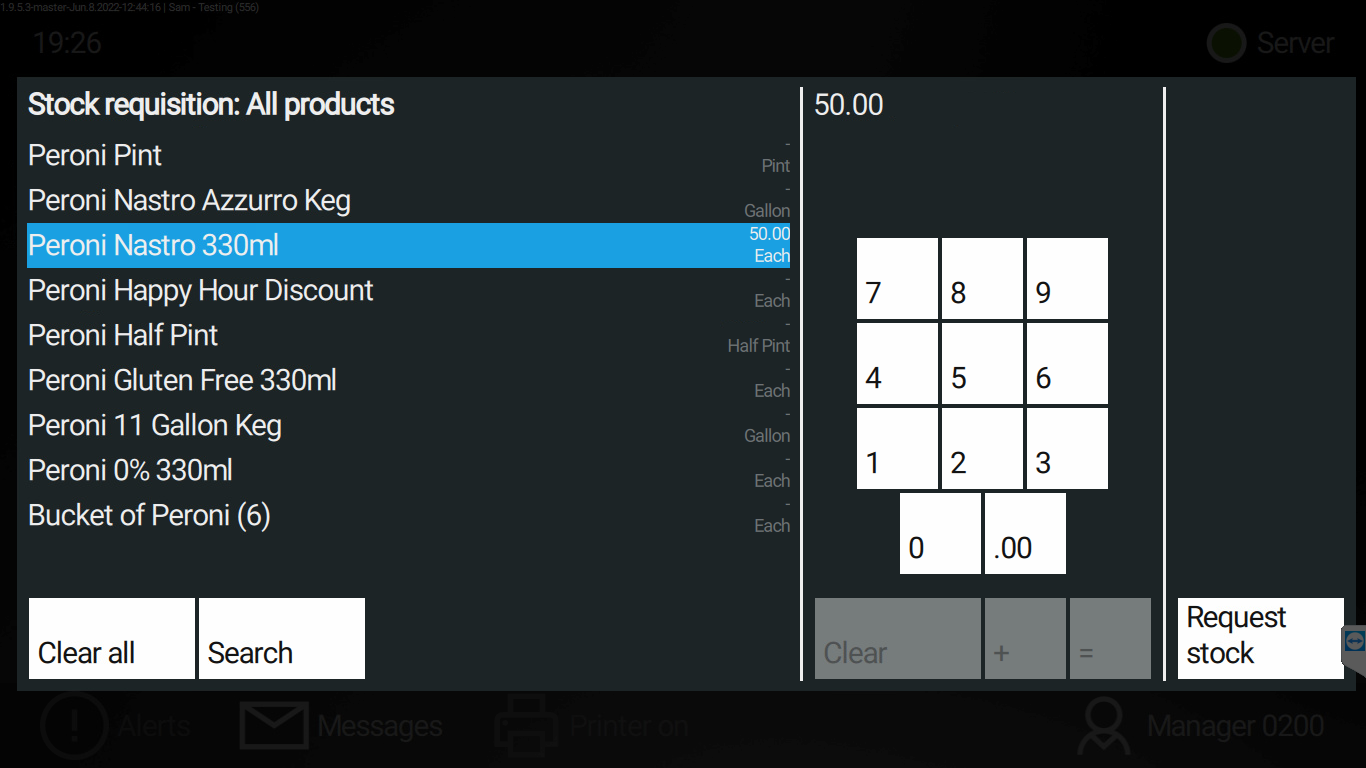
7: Select the product you would like to requisition and key in the keypad the count and press the button
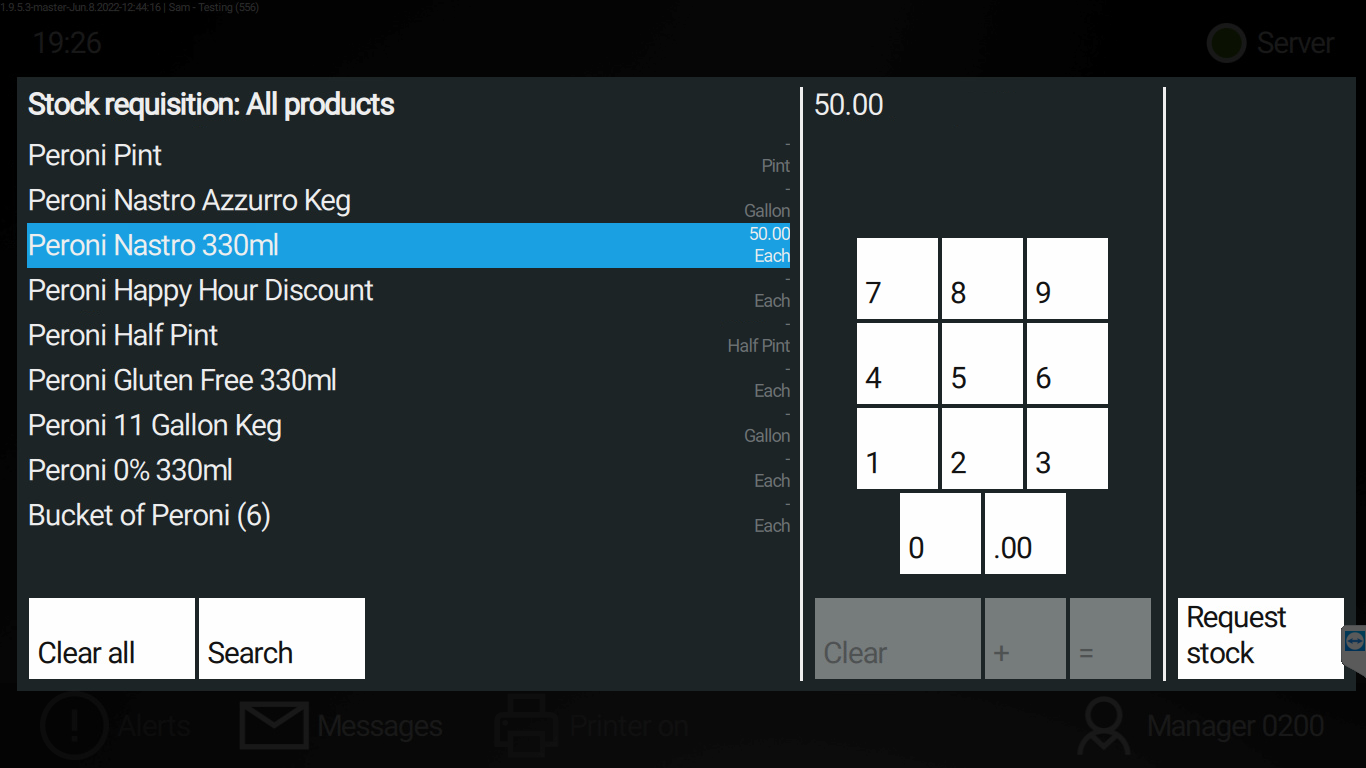
8: Repeat steps 4 - 7 for all other products you want to requisition, once completed press the Request stock button
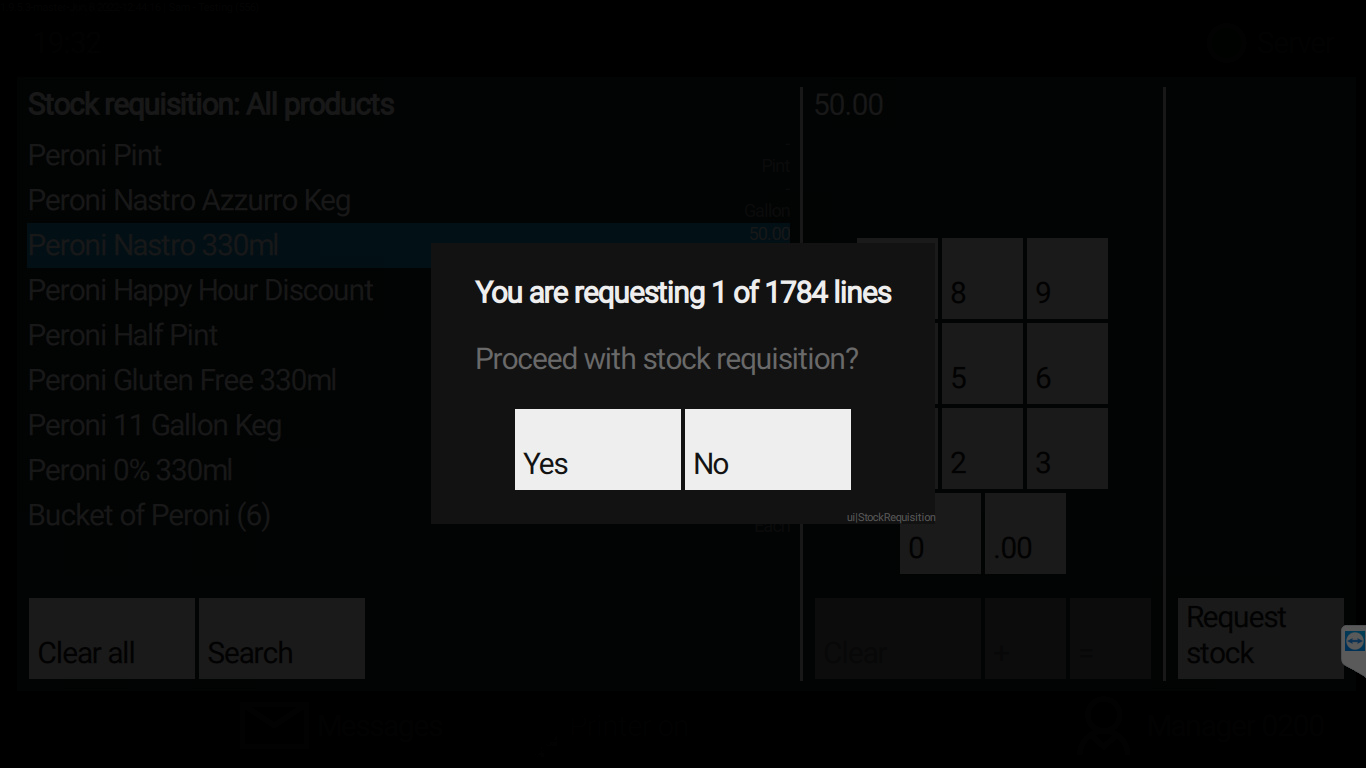
9: Lines are the products you are requesting, if correct, press Yes to send the stock requisition to the cellar.10: Requisition will be sent to the cellar for Collection or Delivery