¶ Accepting and Completing Orders on KMS
¶ How to Accept an Order
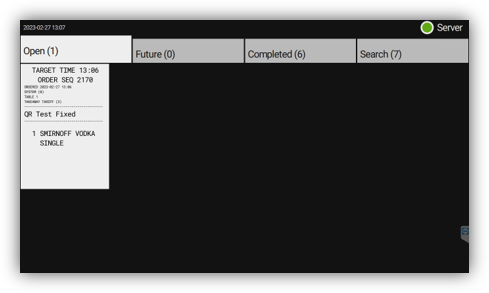
Important: Orders are not sent to kitchen or bar printers until the order has been accepted on the KMS.
-
1: Select the Tick icon on the bottom right of the ticket -
2: The order has now been updated to "Preparing" -
3: A receipt will print out with the (Order Number / Table Number) printed at the top of the receipt
¶ How to Complete an Order
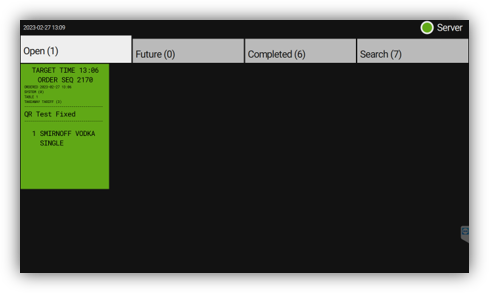
Once the order has been prepared and delivered, mark it as complete:
-
1: Select the Tick icon on the bottom right of the ticket -
2: The order has now been updated to "Completed"
¶ How to Re-print an Order
-
1: Select the printer icon on the bottom left of the ticket -
2: The order receipt will be printed